You're the host. Share the code/link below, then click Start when everyone has joined.
player(s) in room — click the player list to see who joined
Waiting for host to start the game…
Room:
wins!
After calls
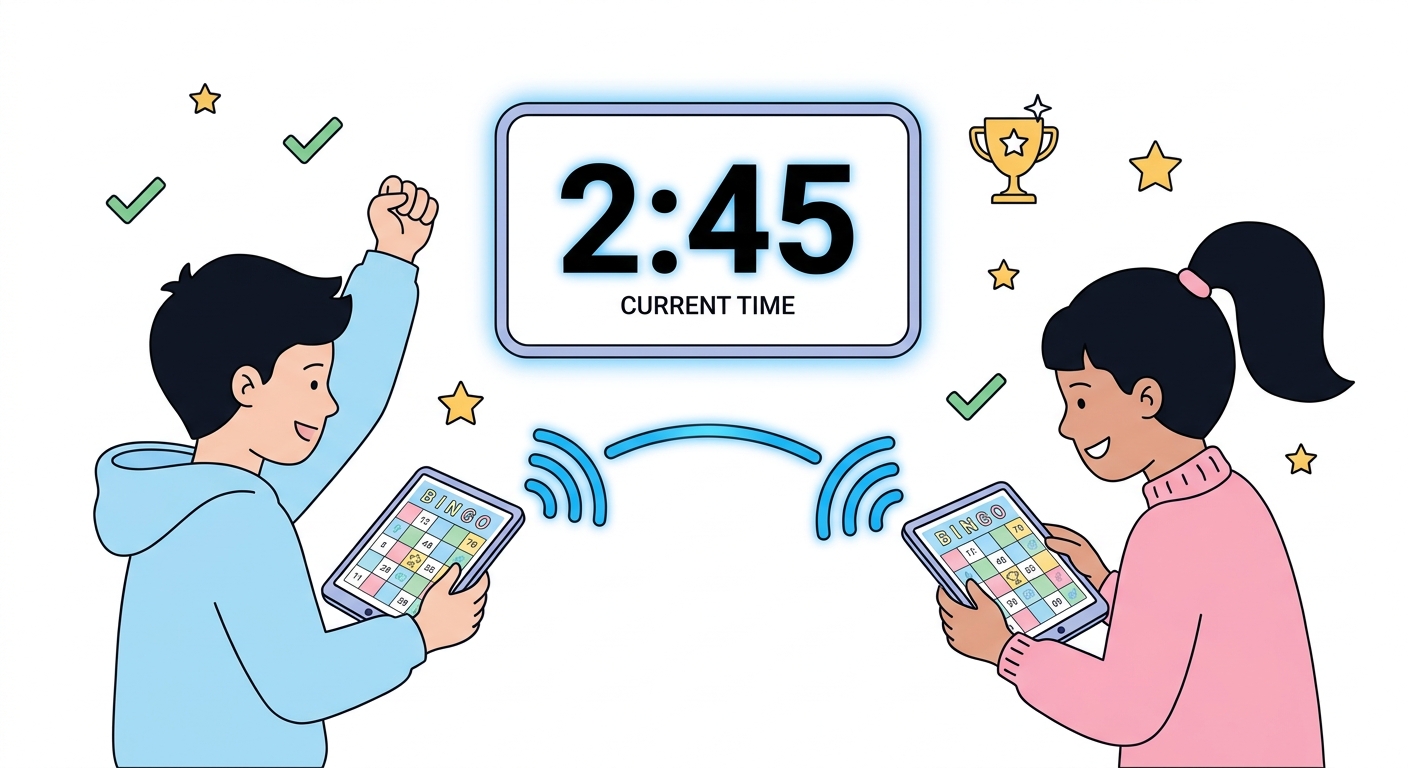
Time Bingo is a real-time multiplayer game where players race to match called clock times on their unique 5×5 bingo card. It's free, requires no account, and works on any device with a web browser — phones, tablets, laptops, and Chromebooks.
Set up takes under 30 seconds. Enter your name, pick a difficulty level, and hit "Create Room." You'll receive a 6-digit code — write it on the board or share it on screen. Students enter the code on their own device and they're instantly in the game. When everyone has joined (up to 30 players per room), hit "Start Game" and the server begins calling times automatically, one every 8 seconds.
Students scan their card for the matching time and tap it. The system verifies every mark in real-time, so there's no cheating and no disputes. First player to get five in a row — horizontal, vertical, or diagonal — wins automatically. You can play as many rounds as you like by creating a new room.
If your students don't have individual devices, use our Printable Bingo Card Generator to print up to 48 unique cards. Project the online game on your smartboard and have students mark their printed cards with chips or markers. It works just as well!
How many players can join one room?
Up to 30 players per room. For larger groups, create two rooms.
Do students need an account?
No. Just enter a name and the room code. No email, no password, no sign-up.
Does it work on phones?
Yes. Time Bingo is fully responsive and works on any screen size.
Is it really free?
Completely free. No ads, no premium tier. Donations help keep it running.